
Your go-to AI chat for getting work done
Brainstorm, create, or check something off your to-do list with secure, enterprise-ready AI chat. Open Copilot Chat with your work account to get started.
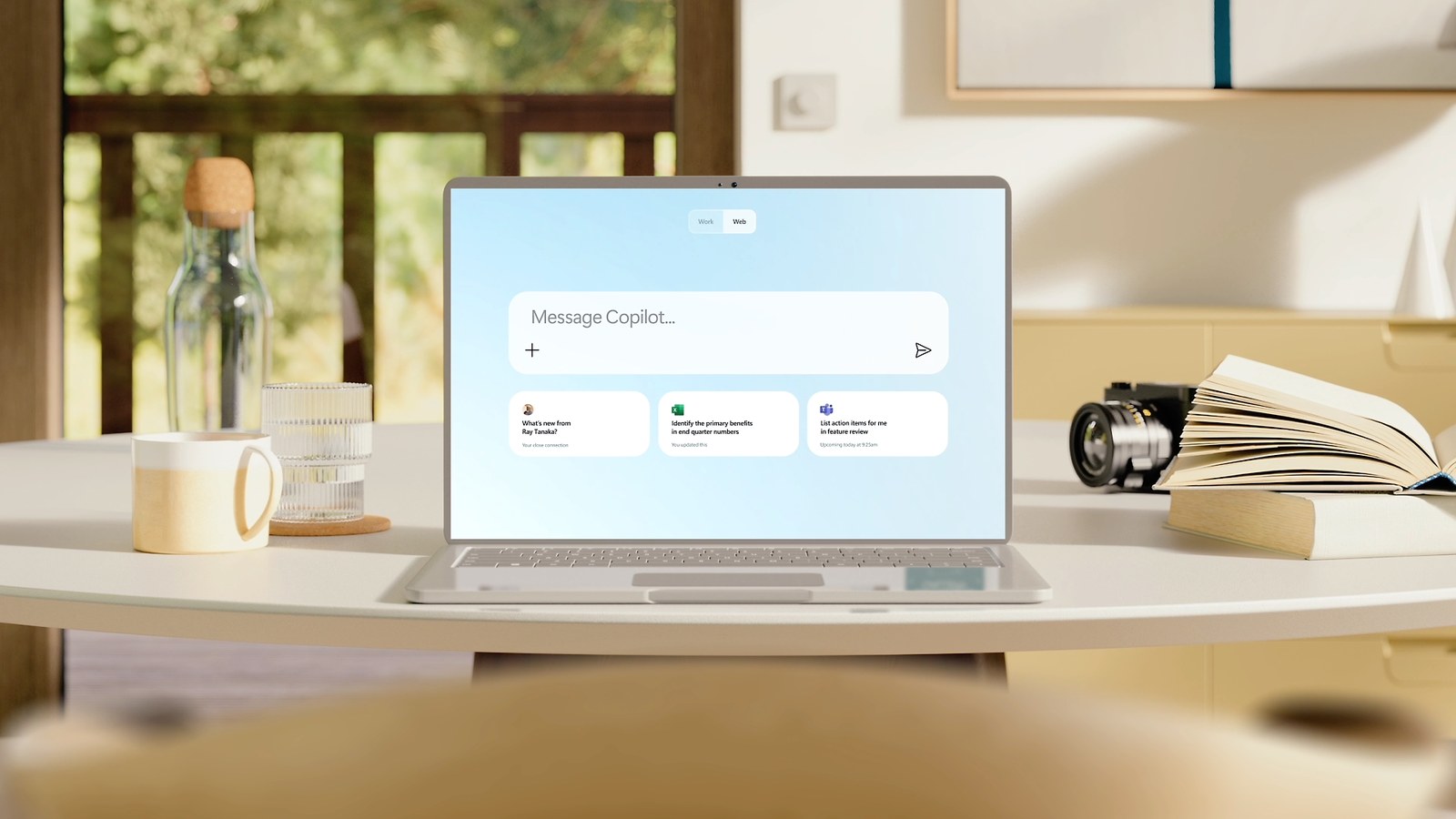
Go from ideas to action, faster
Enhance your writing by using Copilot to quickly rewrite existing text to help improve clarity and tone.
Accelerate your coding with Copilot—write, debug, and refine code quickly and efficiently—so you can focus on building solutions that bring your ideas to life.
Use the Word Agent in Copilot to turn your ideas into first drafts—describe what you need, then let the agent create a polished document.
Effortlessly add content from Copilot responses to Copilot Pages, streamlining collaboration so it’s easier for everyone to contribute, review, and build on shared ideas in one place.
Jump-start your research and generate a detailed report using Researcher.
Get insights and create a spreadsheet just from a prompt using the Excel Agent. After a few clarifying questions, Copilot generates a working spreadsheet with built-in formulas and logic.
Ask Copilot to turn raw numbers into clear, compelling visuals to help you better understand and share your findings.
Compare documents or data so you can spot what’s changed and adjust your response appropriately.
Detect patterns and trends in your data to inform your next move.
Uncover deeper, more meaningful insights from your data with the help of Analyst.
Move forward more confidently by reviewing summaries of related material in a voice chat.
Quickly catch up on Teams meetings with concise recaps of key decisions and next steps.
Stay on top of what matters—quickly catch up on important emails, key updates, and next steps.
Stay in sync with Copilot quickly surfacing the latest updates from your manager or colleagues.
Focus on what matters most with summaries of long chat threads or channels from Copilot.
Go deep and get up to speed on a topic using Researcher.
Collaborate with the PowerPoint Agent to build polished presentations perfect for executive decks, strategic updates, and market overviews.
Bring your ideas to life with natural language prompts that help turn imagination into images.
Start writing faster with a first draft shaped by your goals and context.
Transform data into visuals that reveal insights, helping to make its meaning clear and impactful.
Automate repetitive processes and streamline everyday workflows with agents—more easily—using Agent Builder in Microsoft 365 Copilot.
Get thoughtful, grounded answers to your nuanced questions—right in the flow of work.
Gain understanding of long documents or PDFs more quickly with clear, focused summaries or by asking Copilot questions about them.
Open the Agent Store to discover specialized agents to help you automate business tasks.
Extract key takeaways from, or ask questions about, the webpage you’re on without losing your place in Microsoft Edge.
Explore topics in depth and pull together a comprehensive view with Researcher.
Built on the software you trust
No need to copy and paste or switch between programs—your Copilot Chat content is directly accessible across your Microsoft 365 apps1 or on the go using the Microsoft 365 Copilot mobile app.
Copilot Chat is built with features such as voice, read-aloud, and dictation to help make it more accessible in ways that fit you best.
With helpful onboarding experiences, suggested prompts, and a history of your chats, Copilot makes AI chat more approachable, even if it’s your first time using it.
Memory and custom instructions mean Copilot learns about you as you use it, providing a more personalized experience.
Usage reports tell you who in your organization is using Copilot and how they’re using it—so you can drive adoption by understanding how to promote Copilot to your employees, what questions are surfacing, and what education may be needed.
Use familiar Microsoft 365 security and management controls to govern the Copilot experience across your organization.
Get the most out of Copilot Chat
Add a Microsoft 365 Copilot license to access features that turn Copilot Chat into a superpowered assistant.
Microsoft 365 Copilot Chat
Included
Copilot Chat is available at no additional cost for all Microsoft Entra account users with an eligible Microsoft 365 subscription
An Azure subscription is required to use agents.
Microsoft 365 Copilot Business
Originally starting from $21.00 now starting from $18.00
$18.00
user/month, paid yearly
or $18.90 paid monthly (Annual subscription–auto renews)1
A separate license for a qualifying Microsoft 365 plan is required. For up to 300 users.
Microsoft 365 Copilot Chat
Included
Copilot Chat is available at no additional cost for all Microsoft Entra account users with an eligible Microsoft 365 subscription
An Azure subscription is required to use agents.
Microsoft 365 Copilot
$30.00
user/month, paid yearly
Or $31.50 paid monthly (Annual commitment)
A separate license for a qualifying Microsoft 365 plan is required.
Pricing as of August 2026 and subject to change. Request a quote for reseller pricing.
1. Availability in Microsoft 365 apps may vary by market and customer licensing.
3. Includes Outlook and the Microsoft 365 Copilot app. Availability in Word, Excel, PowerPoint, and OneNote may vary by market and customer licensing.
4. Microsoft Teams license required.
5. An Azure subscription is required to use agents.
* This discount offer is available between July 1, 2026, and September 30, 2026. The Microsoft 365 Copilot Business add-on is available only to existing Microsoft 365 customers with an eligible Business plan. Offers and discounts may vary between Microsoft 365 plans with Copilot and add-ons. An annual commitment is required, and promotional pricing applies to the first year only. This subscription automatically renews and is subject to recurring annual billing with a payment method required. This promotion is not available on trial subscriptions. Customers have a 7-day cancellation window to receive a prorated refund. This offer may not be combined with any other offer. Microsoft reserves the right to cancel, change, or suspend this offer at any time without notice in its sole discretion.
What we do alongside the licence
SoftSolutionWorks.com is backed by BlueAlly, an authorized Microsoft reseller. As well as supplying the licences, we can help you choose the plan, deploy it, and finance it.