
Accelerate frontier transformation
Unlock new levels of creativity, innovation, and growth with Microsoft 365. Empower people-led, AI-driven work.
Transform your organization with AI built for work
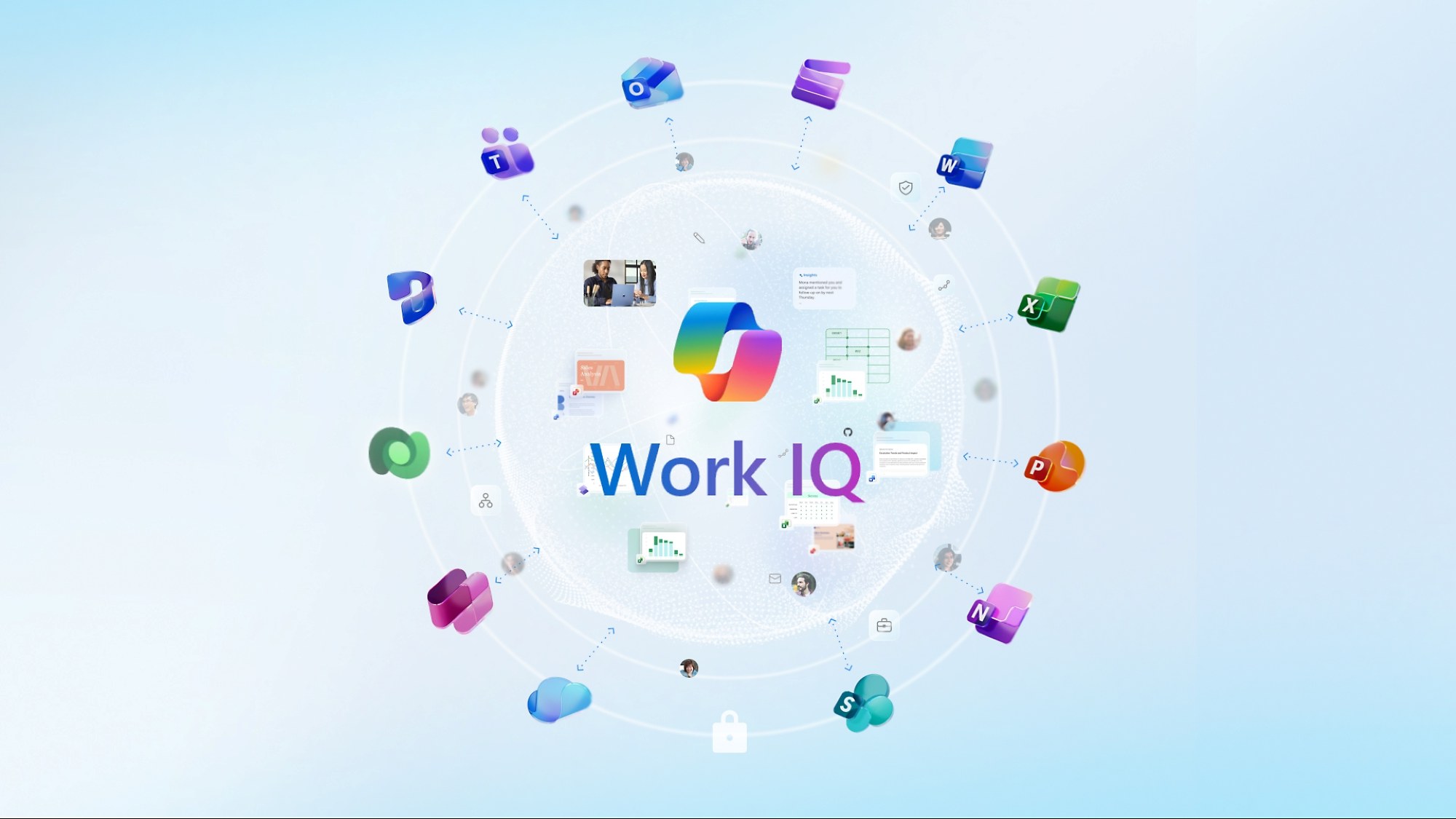
Connect individual and organization knowledge to deliver intelligence built just for you and the flow of your work with Work IQ – the intelligence layer behind Microsoft 365 Copilot and agents.
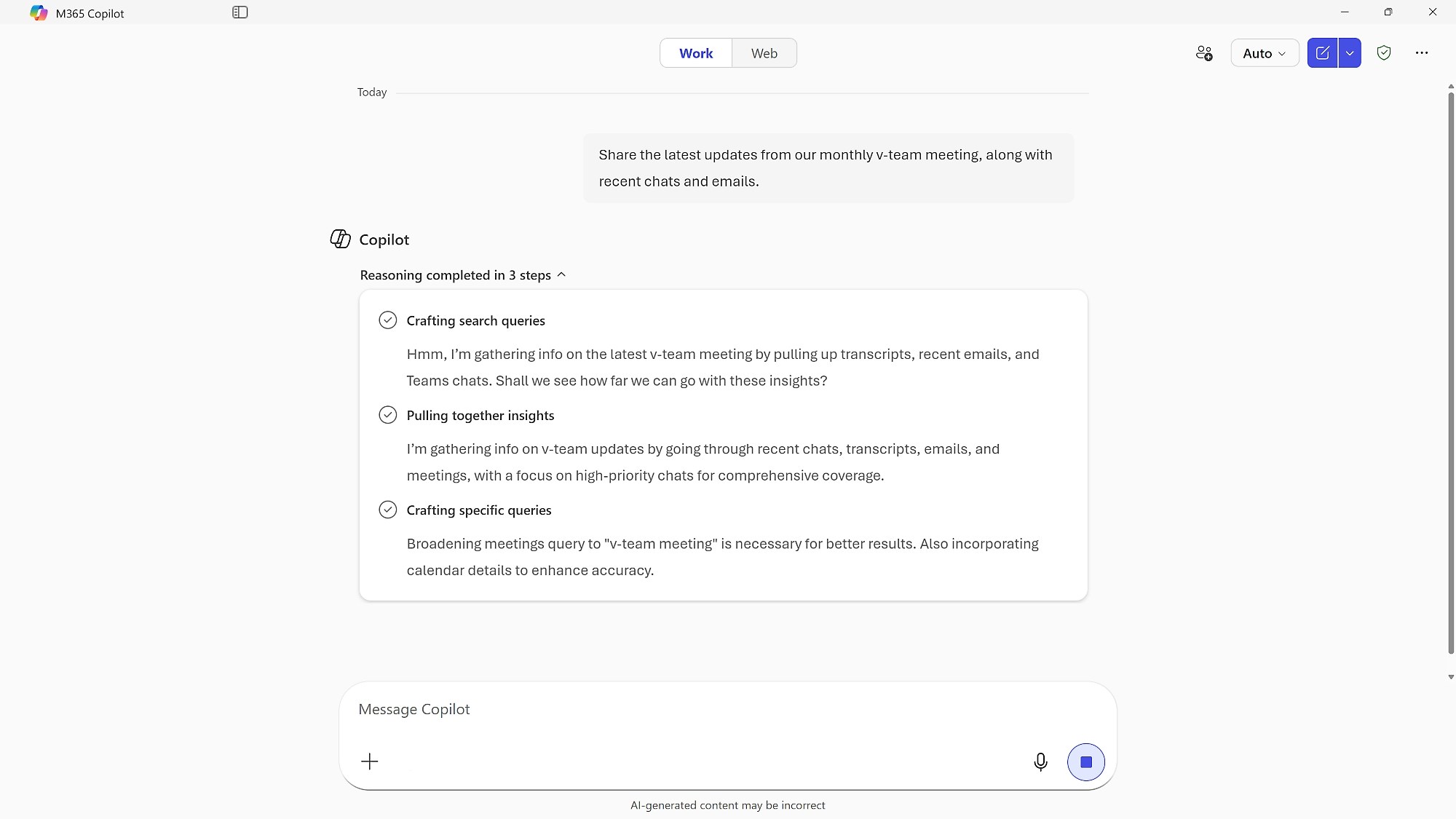
Combine everyday work with external data, including Microsoft 365 signals and line-of-business data so your responses reflect what’s happening across your work.
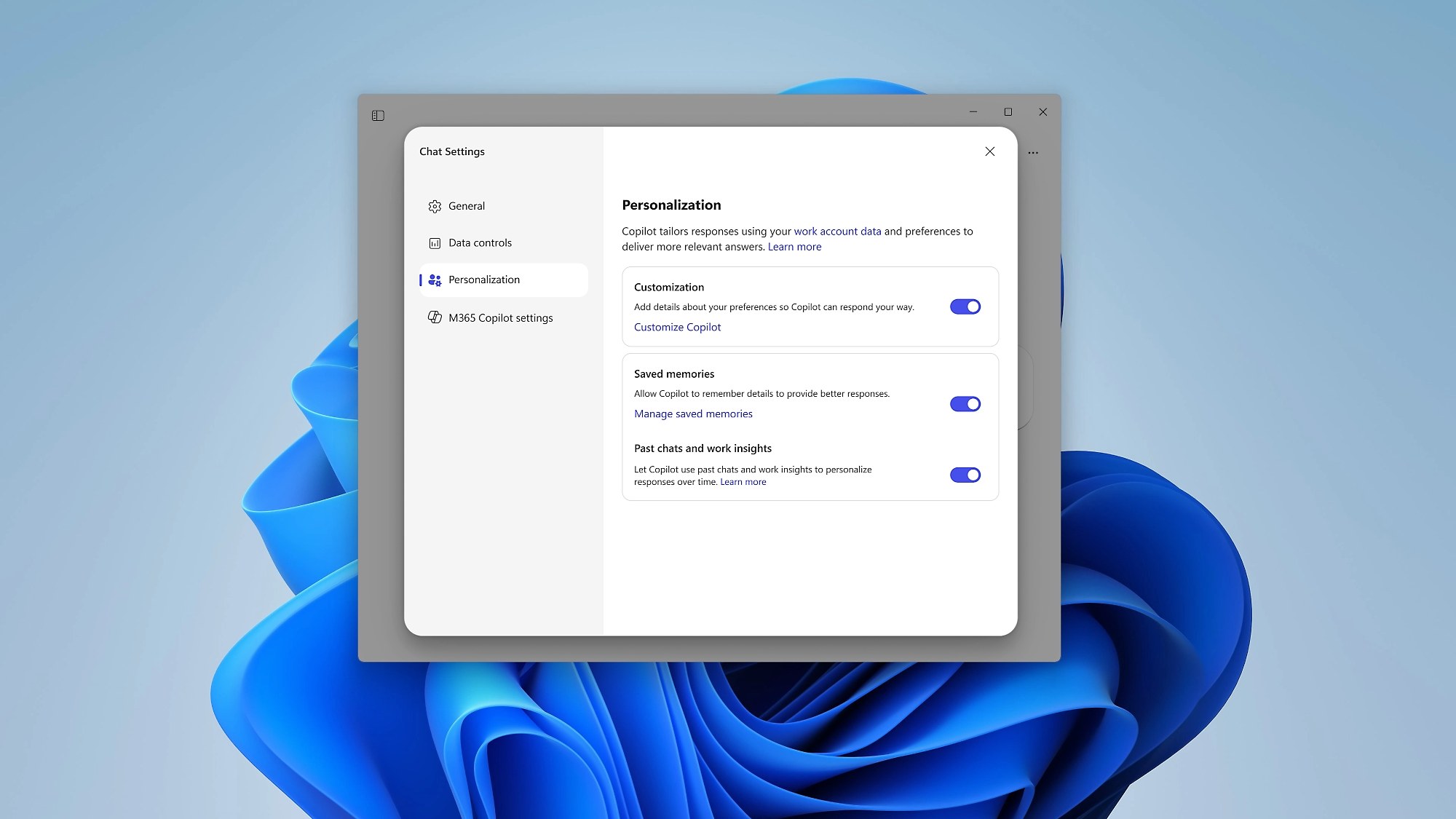
Use memory to learn from your unique style, preferences, habits, and workflows to remember what really matters to you.

Help customize Copilot and agents with specialized instructions to deliver specific tasks.
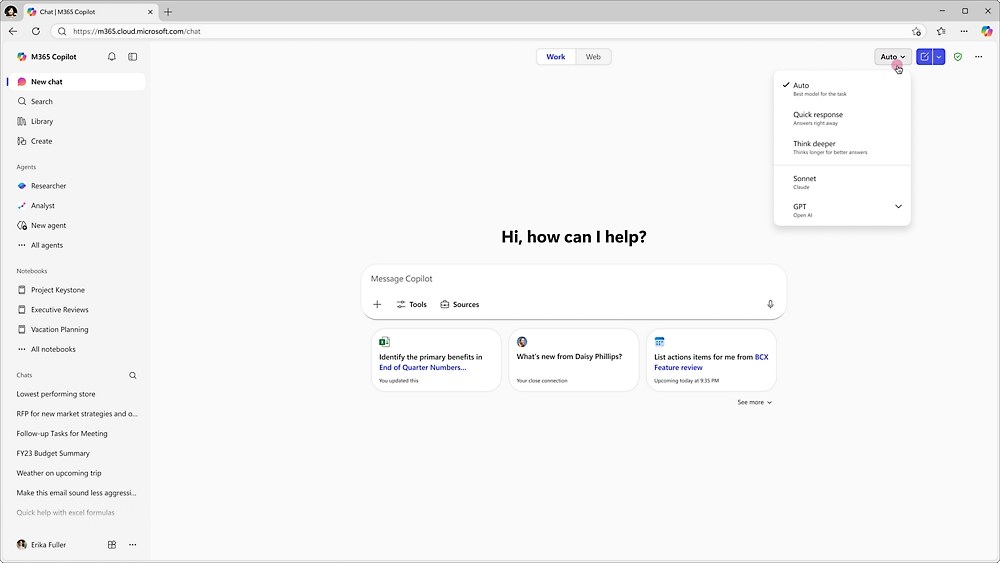
Use the best-fit AI model for each task – so Copilot can deliver high quality results and more consistent performance.
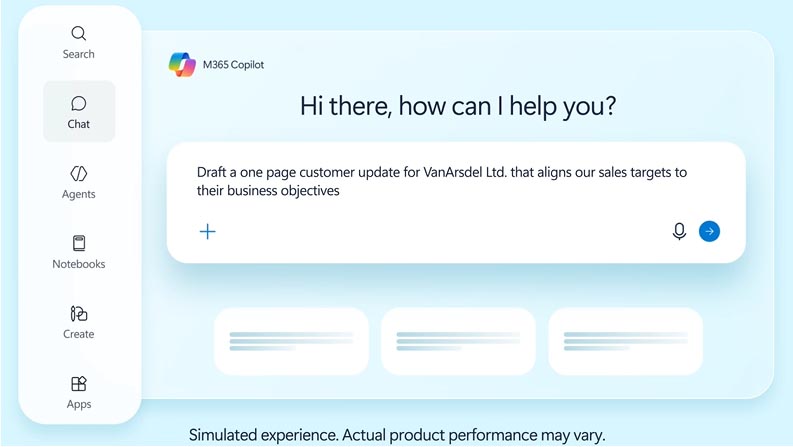
Supercharge productivity, streamline tasks, uncover insights, and provide access to agents across Microsoft apps.

Create documents, spreadsheets, and presentations—directly in chat with dedicated Word, Excel, and PowerPoint Agents in Microsoft 365 Copilot.
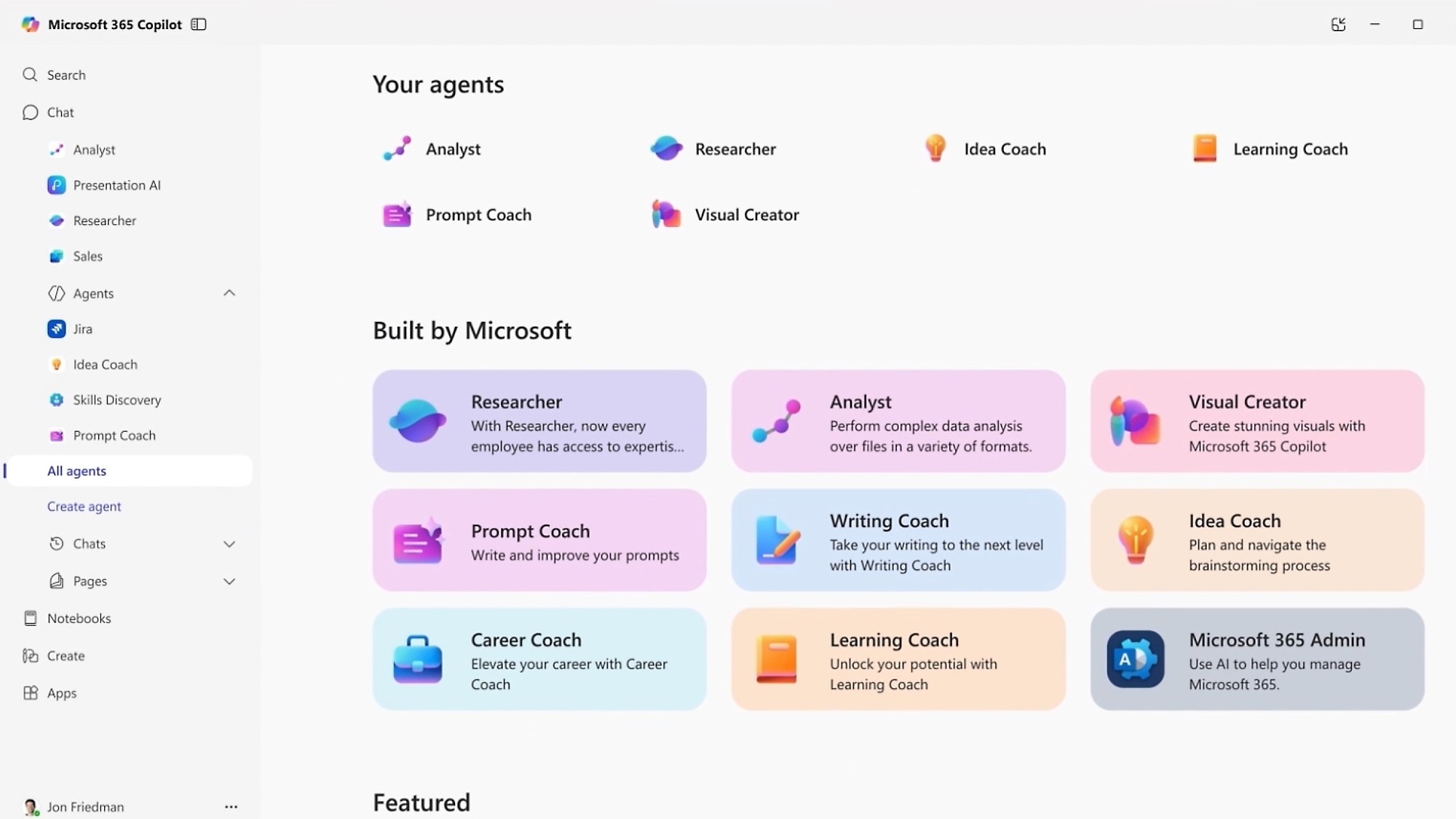
Transform the way your teams get things done with agents designed for work in Microsoft 365 Copilot, while maintaining security and control.
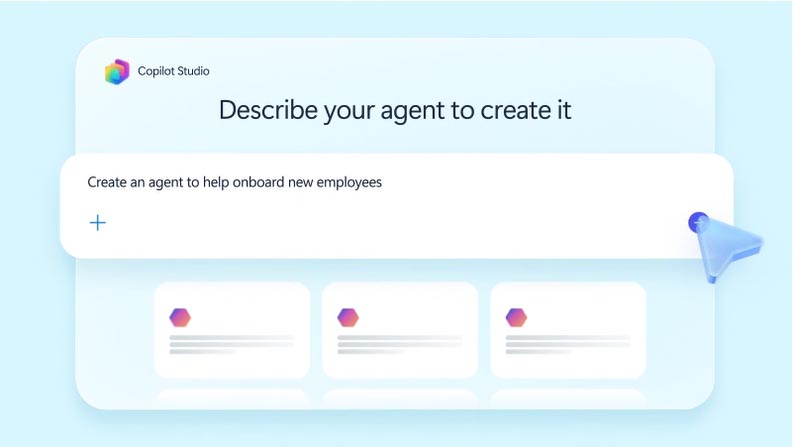
Enable employees to build agents grounded in their own workflows using Copilot Studio. Intelligence remains shared, governed, and trusted.
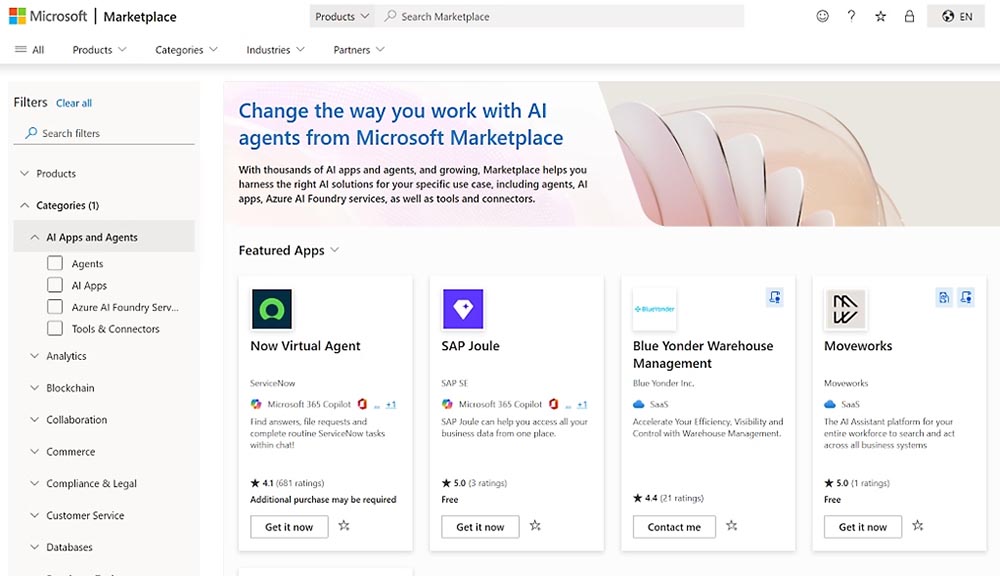
Harness the right AI solutions for your specific use case, including agents, AI apps, and more. With thousands of AI apps and agents, Microsoft Marketplace helps you find solutions you need.

Safeguard your organization’s data with unified data security, governance, and compliance solutions.
Secure access to AI, apps, and resources across your organization’s cloud or on premises with unified access controls.
Tools for frontier transformation
Discover the economic impact of Microsoft 365 E3
Explore projected 3-year benefits based on interviews and aggregated enterprise survey data. See the Microsoft-commissioned Forrester Consulting study4 for details.
Find the plan that’s right for you
Microsoft 365 E3 (no Teams)
$30.45
user/month, paid yearly
(Annual commitment)
Microsoft 365 E5 (no Teams)
$51.45
user/month, paid yearly
(Annual commitment)
Microsoft 365 E7 (No Teams)
$90.45
user/month, paid yearly
(Annual commitment)
Microsoft 365 Copilot Chat
Included
Copilot Chat is available at no additional cost for all Microsoft Entra account users with an eligible Microsoft 365 subscription
An Azure subscription is required to use agents. Prepaid Copilot Studio capacity packs are also available.
Microsoft 365 Copilot
$30.00
user/month, paid yearly
Or $31.50 paid monthly
(Annual commitment)
A separate license for a qualifying Microsoft 365 plan is required.
Pricing as of August 2026 and subject to change. Request a quote for reseller pricing.
3. Microsoft Teams license required.
4. The Total Economic Impact™ Of Microsoft 365 E3: The Combined Cost Savings And Business Benefits Enabled By Microsoft 365 E3, Microsoft Teams, And Microsoft 365 Copilot, a commissioned study conducted by Forrester Consulting, January 2025. Results are over three years for a composite organization created by Forrester using responses from five interviewed decision makers and survey results from 269 respondents with experience using Microsoft 365 E3, Microsoft Teams, and Microsoft 365 Copilot at their organizations. As of October 2023, some Microsoft 365 and Office 365 suites no longer include Microsoft Teams.
5. Copilot Chat is available at no additional cost to all Microsoft Entra ID users with an eligible Microsoft 365 subscription. An Azure subscription is required to use agents and is priced on a metered basis. Availability may vary by market and license.
6. Copilot Studio capabilities in Microsoft 365 are provided under Copilot Studio terms.
How long is a Microsoft 365 product supported?
It depends on staying current rather than on a date. Microsoft 365 is governed by the Modern Lifecycle Policy, so support continues while you follow the servicing and licensing requirements Microsoft publishes for the product. The dates worth tracking are notice periods rather than an end-of-support date.
| Ending support | Minimum 12 months’ prior notification, where Microsoft ends support without providing a successor product or service. Free products, services or preview releases are excluded. |
|---|---|
| Action needed from you | Minimum 30-day notification when you are required to take action to avoid significant degradation to the normal use of the service. |
| Security updates | Notified simultaneously with availability, so they do not wait on either period above. Microsoft recommends adopting them immediately. |
Notice periods from Microsoft’s Modern Lifecycle Policy FAQ.
How Microsoft states it
Products and services governed by the Modern Lifecycle Policy are supported as long as customers stay current as per the servicing and licensing requirements published for the product or service and have the rights to use the product or service. Microsoft will provide a minimum of 12 months’ prior notification before ending support for products governed by the Modern Lifecycle Policy without providing a successor product or service, excluding free products, services or preview releases.
Retired Microsoft products are listed separately on our end-of-life page. For what a specific plan licenses, see Microsoft 365 E3 or Microsoft 365 E5. Ask for a quote if you want a renewal priced.
What are the advanced deployment guides and who can use them?
Two places, two levels of access. Microsoft publishes advanced deployment guides for planning and deploying your tenant, apps and services. The versions in the Microsoft 365 Setup portal can be accessed by anyone, so they hold up for planning before a licensing decision. The admin center versions need a tenant sign-in.
The difference that shows up day to day is tracking. From the admin center you can keep track of the status of your progress and return at any time to complete a guide. That does not work from the Setup portal.
| Open a guide in the Setup portal | No sign-in. These guides can be accessed by anyone. |
|---|---|
| View a guide in the admin center | An admin role such as Global Reader. |
| Change tenant settings from a guide | Global Administrator. |
Microsoft recommends that you use roles with the fewest permissions. It calls Global Administrator a highly privileged role that should be limited to emergency scenarios when you can’t use an existing role.
Environments the guides skip
Advanced deployment guides aren’t available for the GCC High or DoD environments. The same goes for Microsoft 365 operated by 21Vianet. If that is your tenant then start from Microsoft 365 Government, where the GCC, GCC High and DoD plans are listed.
Guides for initial setup
Microsoft describes the guides as created using the same best practices that Microsoft 365 FastTrack onboarding specialists share in individual interactions. Ask for a quote if you need the licensing side priced first.
How do Microsoft 365 Apps get deployed and updated?
Microsoft documents several paths rather than one. Which one fits depends on whether you already run Configuration Manager or would rather let the cloud drive it.
Deployment paths
Managing updates
Licensing and activation
Two of the advanced guides write the work out for you. The Deploy Office to your users guide builds a customized Office configuration using the Office Deployment Tool. The Deploy and update Microsoft 365 Apps with Configuration Manager advisor generates a script that configures your Microsoft 365 Apps deployment using best practices recommended by FastTrack engineers. Office for Mac has its own set covering deployment, Mac App Store delivery, activation plus updates.
Which apps a plan carries is on the plan pages: Microsoft 365 E3 or Microsoft 365 E5. Prices for every enterprise plan sit on enterprise plans and pricing. Ask for a quote once you know the seat count.
How do Windows devices get provisioned and kept current?
Two services, split by when they act. Windows Autopilot covers setting up new devices. Windows Autopatch covers the updates that follow. Both definitions below are Microsoft’s own.
How Microsoft states it
| Windows Autopilot | Windows Autopilot and Windows Autopilot device preparation is a collection of technologies used to set up and pre-configure new devices, getting them ready for productive use. |
|---|---|
| Windows Autopatch | Windows Autopatch is a cloud service that automates Windows, Microsoft 365 Apps for enterprise, Microsoft Edge, and Microsoft Teams updates to improve security and productivity across your organization. |
Verbatim from Microsoft’s Windows Autopilot and Windows Autopatch documentation.
What Autopatch changes day to day
| Close the security gap | Windows Autopatch keeps Microsoft Windows current, ensuring there are fewer vulnerabilities and threats to your devices. |
|---|---|
| Optimize your IT admin resources | Windows Autopatch automates routine endpoint updates. IT pros have more time to create value. |
| Minimize end user disruption | Windows Autopatch releases updates in sequential deployment rings, and responding to reliability and compatibility signals, user disruptions due to updates are minimized. |
Microsoft’s three headline claims for the service, in its wording.
What you get once a device is registered
Registered devices surface these through the Microsoft Intune admin center.
Endpoint management itself belongs to Microsoft Intune, covered on our Microsoft security page. What each enterprise plan licenses is on Microsoft 365 E3 and Microsoft 365 E5. Ask for a quote once you know the device count.
Frequently asked questions
To stay current, a customer must accept all servicing updates and apply them within a specific timeframe, per the licensing and servicing requirements for the product or service. Those requirements are published per offering. Microsoft points to the Links section on the offering detail page of its Product Lifecycle Search page.
Each product or service will be supported according to servicing guidelines for that offering. Continuous servicing and support may include non-security and security updates; new product builds; new feature requests; access to online content including Knowledge Base and webcasts; phone support; online support. Support will be provided continuously as long as customers stay current by following the servicing guidelines for the product or service.
Some do. The Deploy Office to remote users guide creates a customized Office installation then sends users a generated PowerShell script. The Deploy and update Microsoft 365 Apps with Configuration Manager advisor generates a script that configures your Microsoft 365 Apps deployment using best practices recommended by FastTrack engineers.
No. Microsoft says guides are still being added to the Setup portal. A few will only ever be in the admin center because they require authentication to a tenant to function. Ones with no Setup portal entry today include the Remote work setup guide, the Microsoft Search setup guide, the Configure multi-factor authentication (MFA) guide and the Deploy Office to your users guide.
Yes. Microsoft documents deployment from the cloud and deployment from a local source alongside the Configuration Manager path. Cloud update in the Microsoft 365 Apps admin center covers updates without it. The Office Customization Tool handles what gets installed.
Not for hotpatch updates. Hotpatch updates install Monthly B release security updates without requiring you to restart the device. Windows Autopatch reports on them separately: the Hotpatch quality update report provides a per policy level view of the current update statuses for all devices that receive Hotpatch updates.
Microsoft publishes two targets. For Windows quality updates, Windows Autopatch aims to keep at least 95% of Up to Date devices on the latest quality update. For Microsoft 365 Apps for enterprise, it aims to keep at least 90% of eligible devices on a supported version of the Monthly Enterprise Channel (MEC).
The Microsoft Intune admin center. Once a device is registered with the service, its features are available there, including role-based access control to manage who has access to your organization’s resources and what they can do with those resources. Microsoft lists Windows Autopatch among the services that integrate with Intune, so it lands in the same console your team already uses. Intune is covered on our Microsoft security page.
What we do alongside the licence
SoftSolutionWorks.com is backed by BlueAlly, an authorized Microsoft reseller. As well as supplying the licences, we can help you choose the plan, deploy it, and finance it.