
Empower secure collaboration
Achieve more with solutions designed for US public sector organizations and eligible partners.

Built for US government security and compliance standards
Support your organization’s mission with capabilities designed for national, regional, and industry-specific standards. Safeguard information with solutions aligned to the regulatory requirements for serving the public.

Built for US federal, state, local, and tribal government organizations, aligned to FedRAMP High, CJIS, IRS 1075, and DISA SRG L2.

Built for US-only regulated agencies and authorized contractors aligned to FedRAMP High, ITAR, DFARS, and DISA SRG L4.

Built exclusively for US Department of Defense Impact Level 5 environments aligned to DISA SRG L5 requirements.
Protect and respond with secure productivity tools
Transform productivity across departments to improve mission outcomes, and leverage automation to help protect your agency against cyberattacks.
Get fully installed and always-up-to-date versions of Word, Excel, PowerPoint, OneNote, and Microsoft Access (PC only).
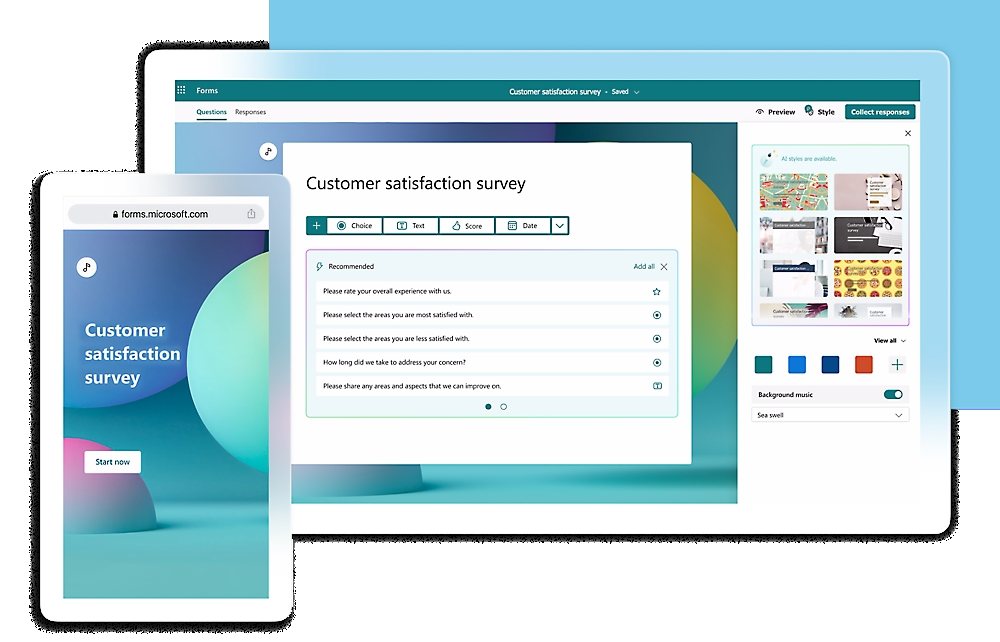
Create surveys and polls to collect customer feedback and measure employee satisfaction with Microsoft Forms.
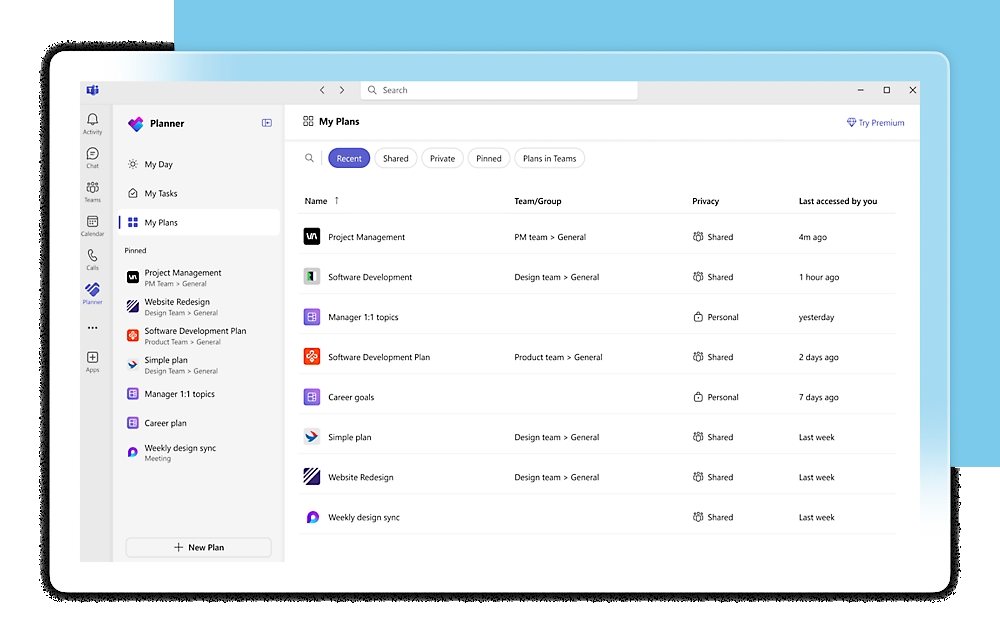
Plan your day, organize team tasks, and stay on top of it all with Microsoft To Do, Lists, and Planner.
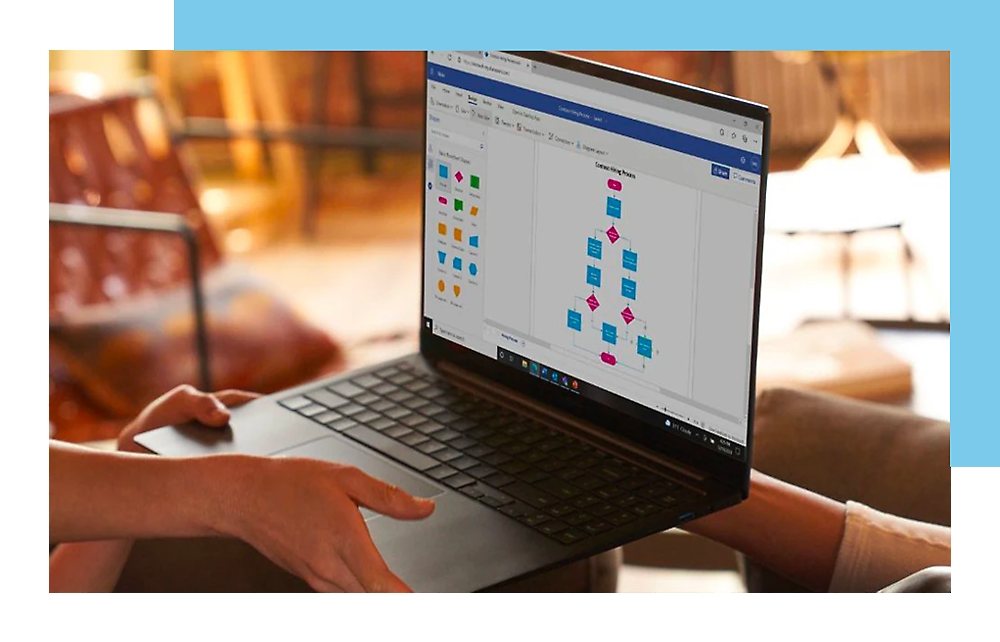
Create, edit, share, and coauthor professional diagrams and flowcharts with Visio for the web.
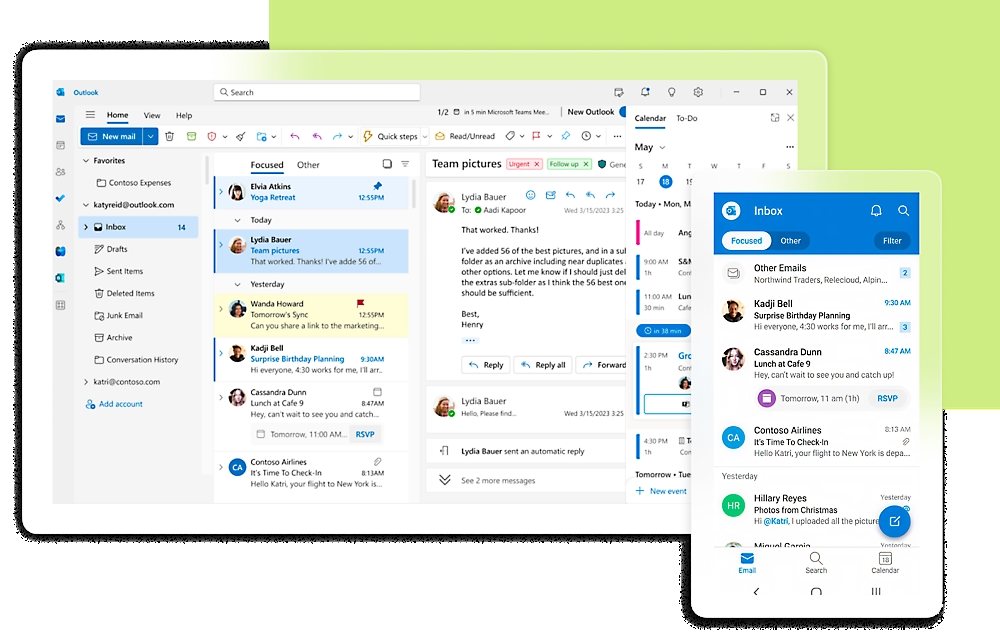
Stay connected with a secure email app that allows you to access your emails, files, and calendar all in one place with Outlook.

Quickly connect your teams and provide access to tools and resources in a shared workspace with Microsoft Teams.

Access, share, and collaborate on files, documents, and photos from anywhere with OneDrive.
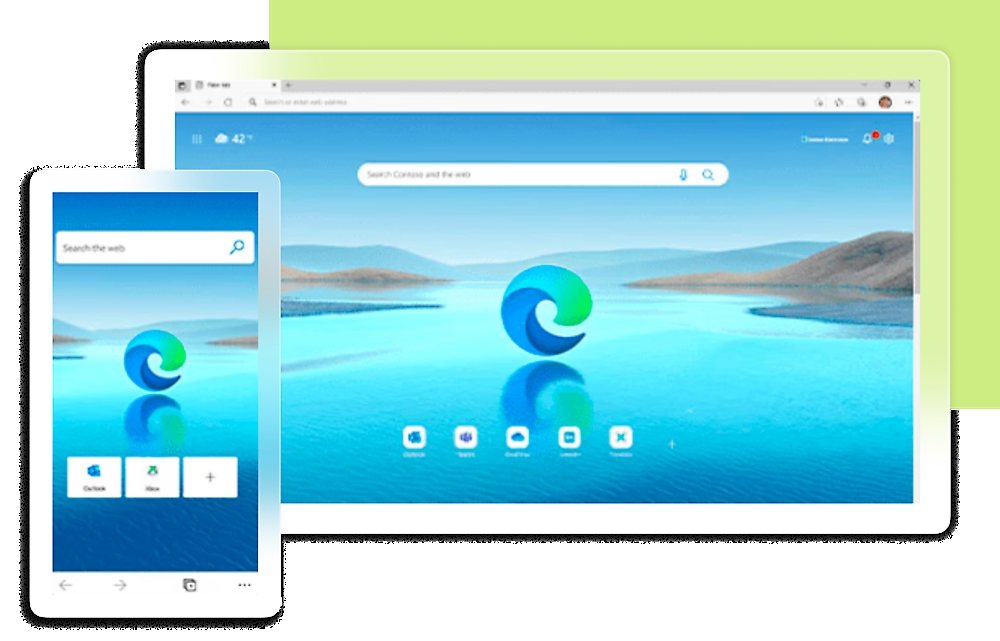
Boost productivity with Microsoft Edge for Business, the secure enterprise browser optimized for AI. (Included in Microsoft 365 government plans.)
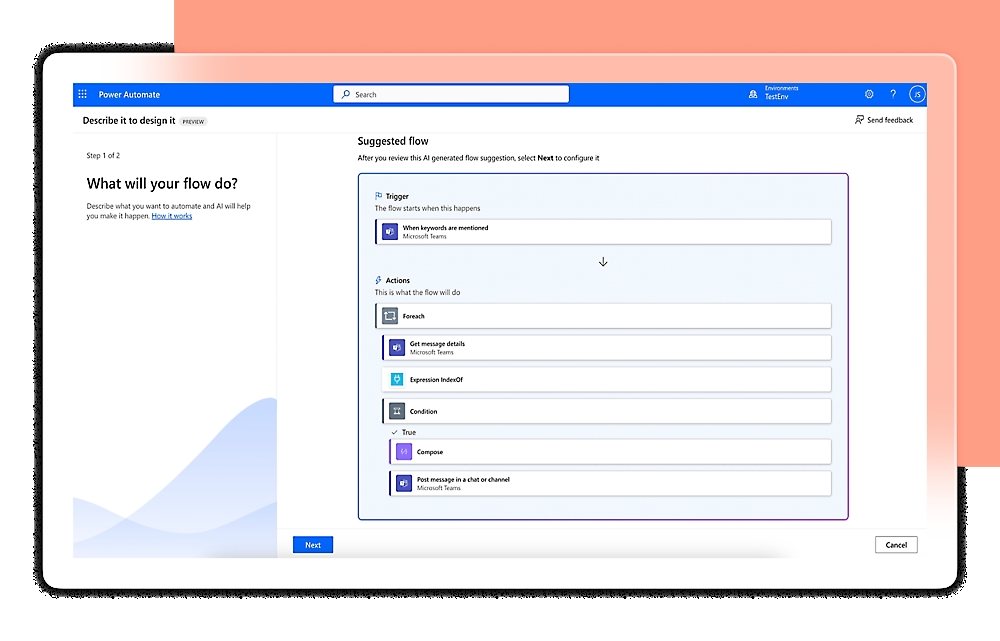
Build automated workflows to get notifications, synchronize files, and collect data with Power Automate for Microsoft 365. (Cloud flows only in Office 365 government plans.)
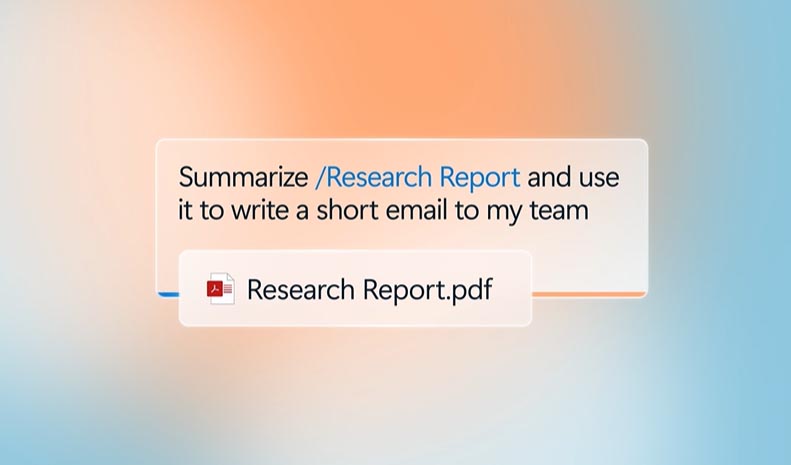
Simplify and speed up business processes with Microsoft 365 Copilot Chat and AI agents.1

Get insights into how your organization uses Microsoft 365 with Microsoft Adoption Score.

Share and collaborate on interactive data visualizations using self-service analytics with Power BI Pro. (Included in G5 plans.)

Safeguard access to resources and data across on-premises and cloud environments with Microsoft Entra capabilities. (Included in Microsoft 365 Government G3 (P1) and G5 (P2).)

Simplify device and app administration across platforms with Intune Plan 1. (Included in Microsoft 365 government plans.)

Help protect against email phishing, ransomware, and other threats with Microsoft Defender for Office 365. (Plan 1 included in Business Premium for GCC High, and G3 plans; and Plan 2 included in G5 plans.)

Help prevent unauthorized sharing, use, or transfer of sensitive data with Microsoft Purview Data Loss Prevention. (For emails and files only in Microsoft 365 Government G3, Office 365 Government G3, and Office 365 Government G5.)
Move forward with confidence
Select the plan that works best for your agency.
Microsoft 365 Government G5
Best-in-class AI-powered productivity apps with advanced security, compliance, analytics, and AI readiness capabilities for government
Plan highlights:
Popular apps and services included:
Microsoft 365 Government G3
Powerful productivity apps with enhanced security and compliance capabilities for government
Plan highlights:
Popular apps and services included:
Microsoft 365 Business Premium for GCC-High
Everything to be more productive and secure for government
Plan highlights:
Popular apps and services included:
Office 365 Government G5
Best-in-class AI-powered productivity apps with core security, compliance, and analytics capabilities for government
Plan highlights:
Popular apps and services included:
Office 365 Government G3
Productivity apps, file sharing, webinars, and basic security for government
Plan highlights:
Popular apps and services included:
Improve productivity, efficiency, and security
Add AI integration across your organization.
Microsoft 365 Copilot for US Government
Integrate your agency’s content into secure, AI-powered chat and extend capabilities across Microsoft 365 apps—now available in GCC, GCC High, and DoD environments.
To purchase, customers must have a qualifying GCC, GCC High, or DoD plan. (Microsoft 365 Copilot may not be available for all markets and languages.)
Frequently asked questions
Federal, state, and local US government agencies, as well as commercial companies, holding controlled unclassified information, criminal justice information, and export-controlled data will find that Microsoft 365 Government offers the most robust set of capabilities while meeting necessary regulatory controls.
The Microsoft Trust Center provides detailed insights about industry standards, third-party audits, and regulatory compliance.
US Government customers must have an eligible license. Microsoft 365 Copilot is not currently available for non-US government clouds.
Footnotes
1. Copilot Chat is available at no additional cost to all Microsoft Entra ID users with an eligible Microsoft 365 subscription. An Azure subscription is required to use agents and is priced on a metered basis. Availability may vary by market and license.
What we do alongside the licence
SoftSolutionWorks.com is backed by BlueAlly, an authorized Microsoft reseller. As well as supplying the licences, we can help you choose the plan, deploy it, and finance it.